Microsoft Officially Launches Bing AI Mode
Microsoft has introduced two new search experiences, AI Mode and AI Overview, to enhance user research capabilities. This move aims to improve the overall search experience on Bing.
Original reporting · searchenginewatch.com
Original: “Microsoft makes Bing AI Mode official as it splits Copilot Search into AI Mode and AI Overview”
Read “Microsoft makes Bing AI Mode official as it splits Copilot Search into AI Mode and AI…” at Search Engine Watch →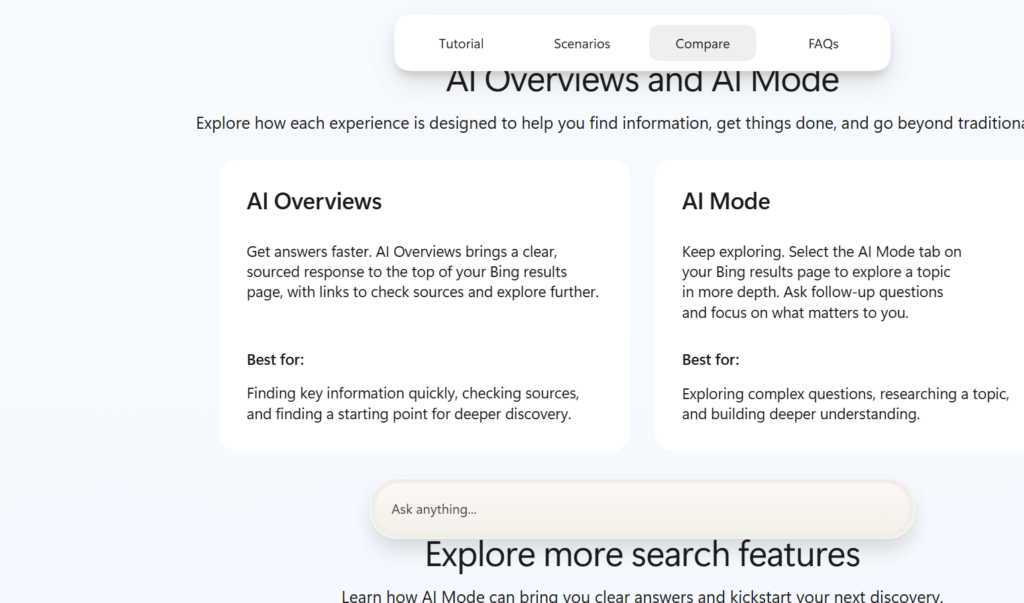
How this was written. Content Catalyst wrote this article with a language model from Search Engine Watch’s reporting (model: @cf/meta/llama-3.3-70b-instruct-fp8-fast); it describes that reporting rather than adding to it. The original, linked above, is the full story.
Key points from Search Engine Watch’s report
- Microsoft has launched Bing AI Mode, a conversational research feature powered by Copilot.
- The company has introduced AI Overview, a feature that provides quick summaries of search results.
- The new features aim to enhance the user search experience on Bing.
- The underlying Copilot technology remains unchanged.
- The development brings Bing's search experience closer to that of Google Search.
Microsoft has confirmed the launch of Bing's AI Mode, a feature that enables conversational research. This development is part of the company's efforts to enhance its search capabilities. According to Search Engine Watch, the new feature is powered by Copilot, a technology that drives Microsoft's search experiences.
The introduction of AI Mode and AI Overview is intended to provide users with a clearer understanding of the two distinct search experiences available on Bing. Microsoft has created a dedicated page to explain the differences between these experiences, including a step-by-step guide on how to use them.
AI Overview is designed to provide users with quick summaries of search results, generated using artificial intelligence. In contrast, AI Mode offers a more in-depth conversational experience, allowing users to research topics and compare options through a back-and-forth conversation.
Microsoft has implemented this change to help users better understand the capabilities of its search platform. The underlying technology remains unchanged, with AI Mode responses drawing on information from the web and including source links for verification.
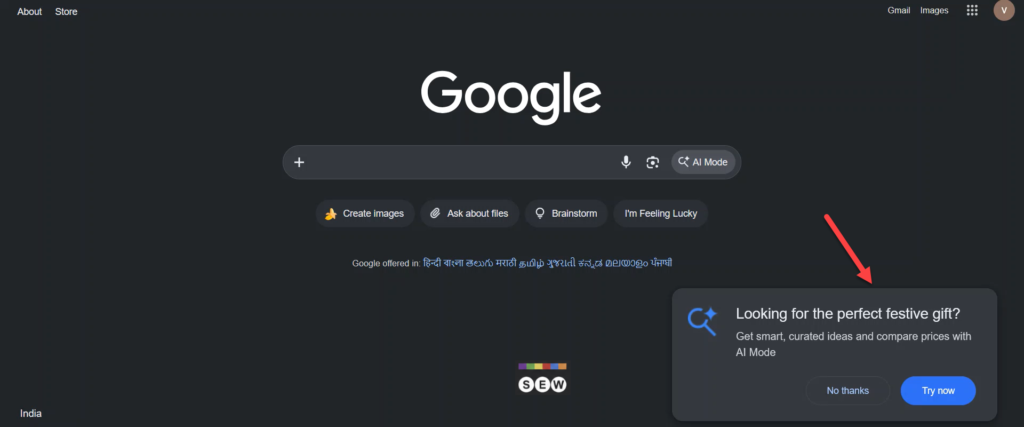
The new AI Mode branding is now available on the Bing Android app, where users can access the feature by tapping the Copilot icon. This development brings Bing's search experience closer to that of Google Search, which also offers AI-powered search capabilities.
Users can initiate conversations directly in Bing, but Microsoft directs them to the Copilot app to access their chat history. This move is expected to enhance the overall user experience on Bing, providing more flexibility and convenience in searching for information.
Questions and answers
What is AI Mode on Bing?
AI Mode is a conversational research feature that allows users to research topics in depth and compare options through a back-and-forth conversation.
How does AI Overview differ from AI Mode?
AI Overview provides quick summaries of search results, while AI Mode offers a more in-depth conversational experience.
Where can users access their chat history?
Users can access their chat history in the Copilot app, as directed by Microsoft.